
Set up
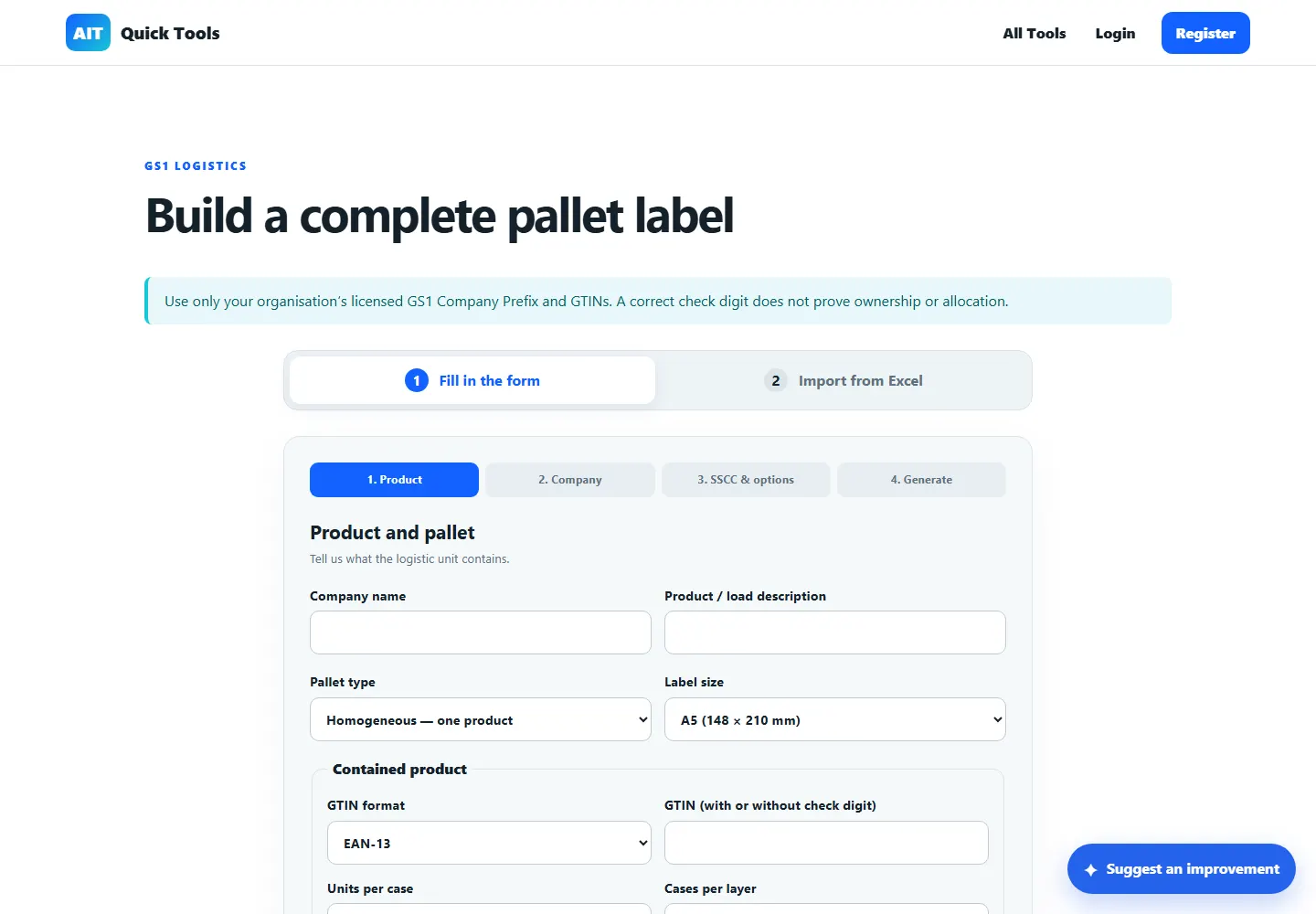
Enter the product, quantity and pallet information.
Barcodes, QR & labels · Free online tool
Build structured logistics labels for pallets using your organisation’s own allocated identifiers. Generate one label or import an Excel batch.
Enter the digits without the final digit to calculate it, or enter a complete number to check it. Keep any leading zeros.
This checks the final digit. Use identifiers already allocated to your organisation for production labels.
How it works
Create a pallet label with an SSCC, contained-product GTIN, quantity, batch number and production data, then export it as PDF.
Enter the product, quantity and pallet information.
Add an SSCC using your licensed GS1 Company Prefix and serial reference.
Generate the PDF and verify the encoded data, size and scanner performance.
Practical uses
Open the tool, provide the information it needs and leave with a result you can understand or use straight away.
SSCC and GS1-128 logistics data
A5 and A6 formats
Single entry or Excel batch import
The generator assists with preparation; it does not allocate GS1 identifiers or replace a trading partner’s specification.
Questions answered
Clear information about what the tool does and where an extra check may be sensible.
No. Your organisation must obtain and use its own licensed prefix and allocated identifiers.
Yes. The Excel workflow supports multiple logistic units and outputs labels in the supplied order.
Confirm the data, application identifiers, physical size, print quality and scanning in the real workflow.
Ready when you are
No installation. Open the tool in your browser and get started.