
Set up
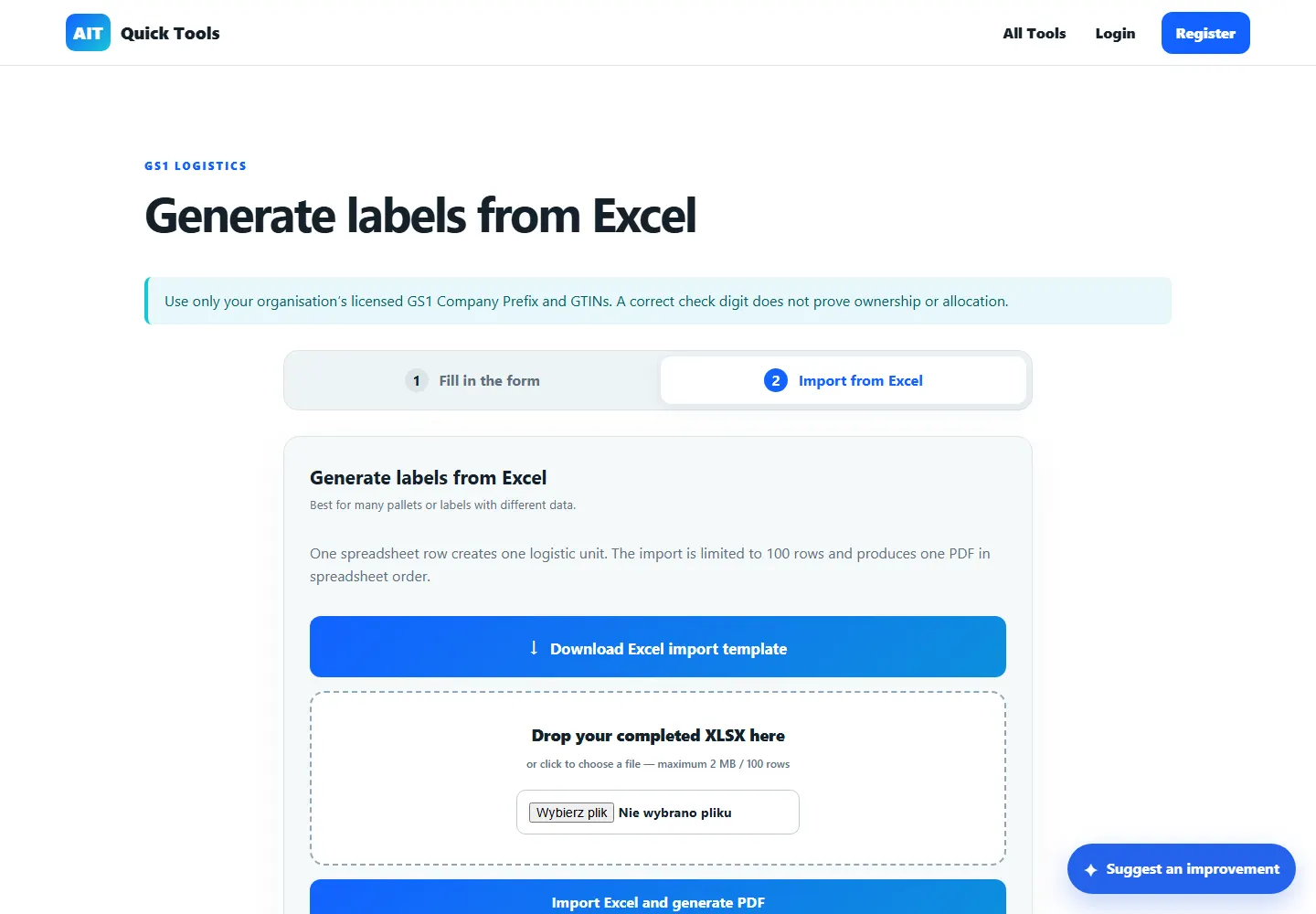
Download the Excel template, keep the column headings and enter one logistics unit per row.
Barcodes, QR & labels · Free online tool
Prepare GS1 logistics labels for several pallets in one run. Start with the Excel template, check the imported rows and generate a single PDF for printing.
Download the Excel import template and a separate 100 × 50 mm test label to check your printer and scanner.
How it works
For a dispatch with three pallets, prepare one Excel row per logistics unit, with a distinct SSCC for each pallet.
Download the Excel template, keep the column headings and enter one logistics unit per row.
Upload the saved XLSX file and resolve validation errors before printing.
Generate the PDF, print a single pallet label at actual size and verify it with your scanner.
Practical uses
Open the tool, provide the information it needs and leave with a result you can understand or use straight away.
Official Excel (.xlsx) import template
One combined PDF in spreadsheet order
Free 100 × 50 mm calibration label
Questions answered
Clear information about what the tool does and where an extra check may be sensible.
Use the Excel XLSX template linked on this page. Save the completed workbook as XLSX before uploading it.
Validated records are combined into a printable PDF label batch.
The DEMO-001 barcode is for a printer and scanner check. Production GS1 labels require the appropriate allocated identifiers and trading partner specifications.
Ready when you are
No installation. Open the tool in your browser and get started.