
Set up
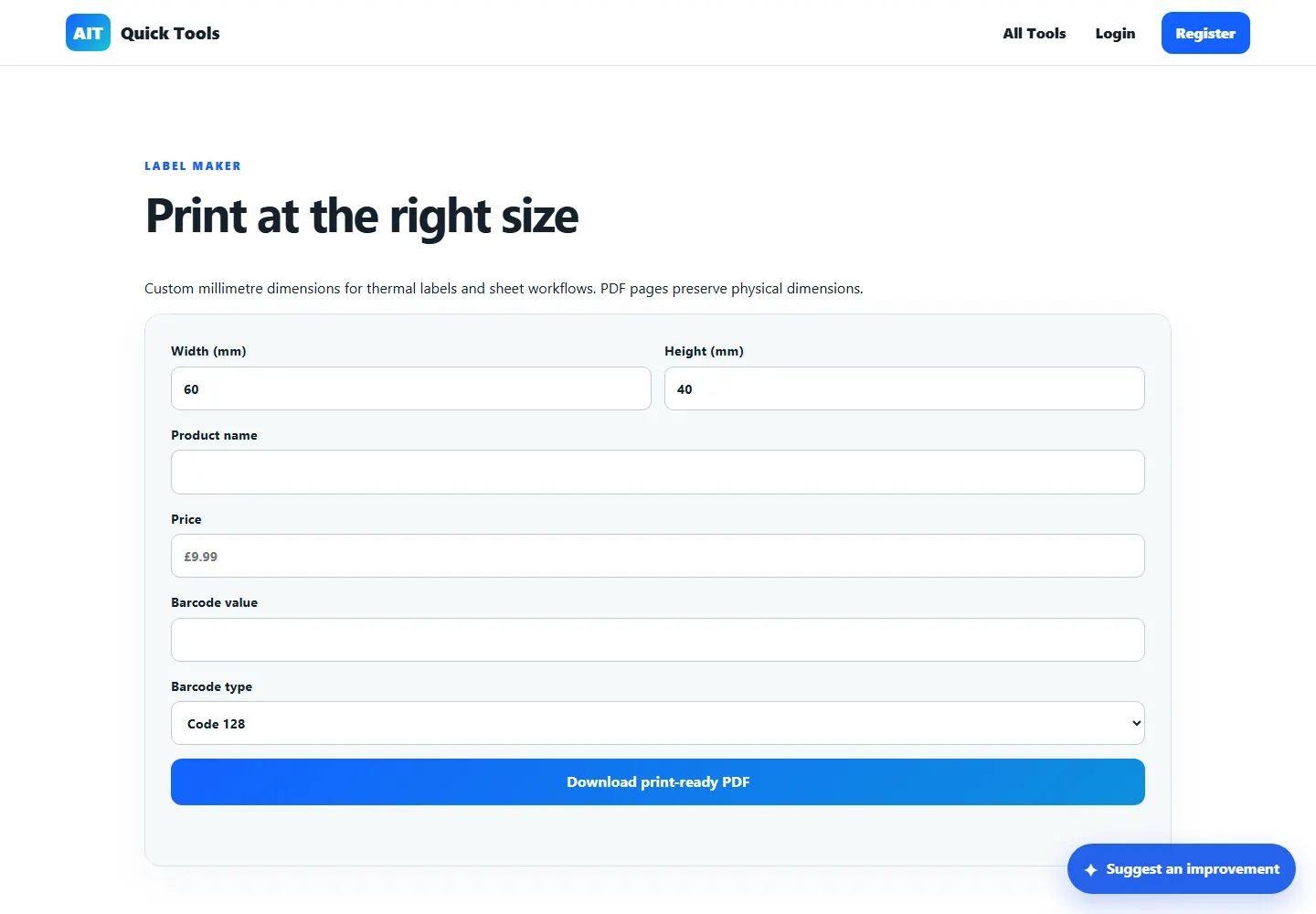
Set the required label width and height in millimetres.
Barcodes, QR & labels · Free online tool
Build a clear label around the information your operation needs. Set the physical dimensions, add product text and a code, then create a PDF for printing.
How it works
Prepare a 100 × 50 mm product label with a name, stock reference, price and scannable barcode.
Set the required label width and height in millimetres.
Add the product details and optional barcode or QR code.
Create the PDF and print using actual-size or 100% scaling.
Practical uses
Open the tool, provide the information it needs and leave with a result you can understand or use straight away.
Exact dimensions in millimetres
Product, price, barcode and QR fields
Print-ready PDF output
Questions answered
Clear information about what the tool does and where an extra check may be sensible.
Yes, provided the print dialog also uses actual-size or 100% scaling.
Yes. The tool supports label text together with suitable barcode or QR content.
Yes. Test the intended printer and material before producing a large batch.
Ready when you are
No installation. Open the tool in your browser and get started.