
Set up
Choose the barcode standard that matches the identifier and intended use.
Barcodes, QR & labels · Free online tool
Turn an existing product or logistics identifier into a clean, scannable barcode. Quick Tools validates the number and check digit before preparing the artwork.
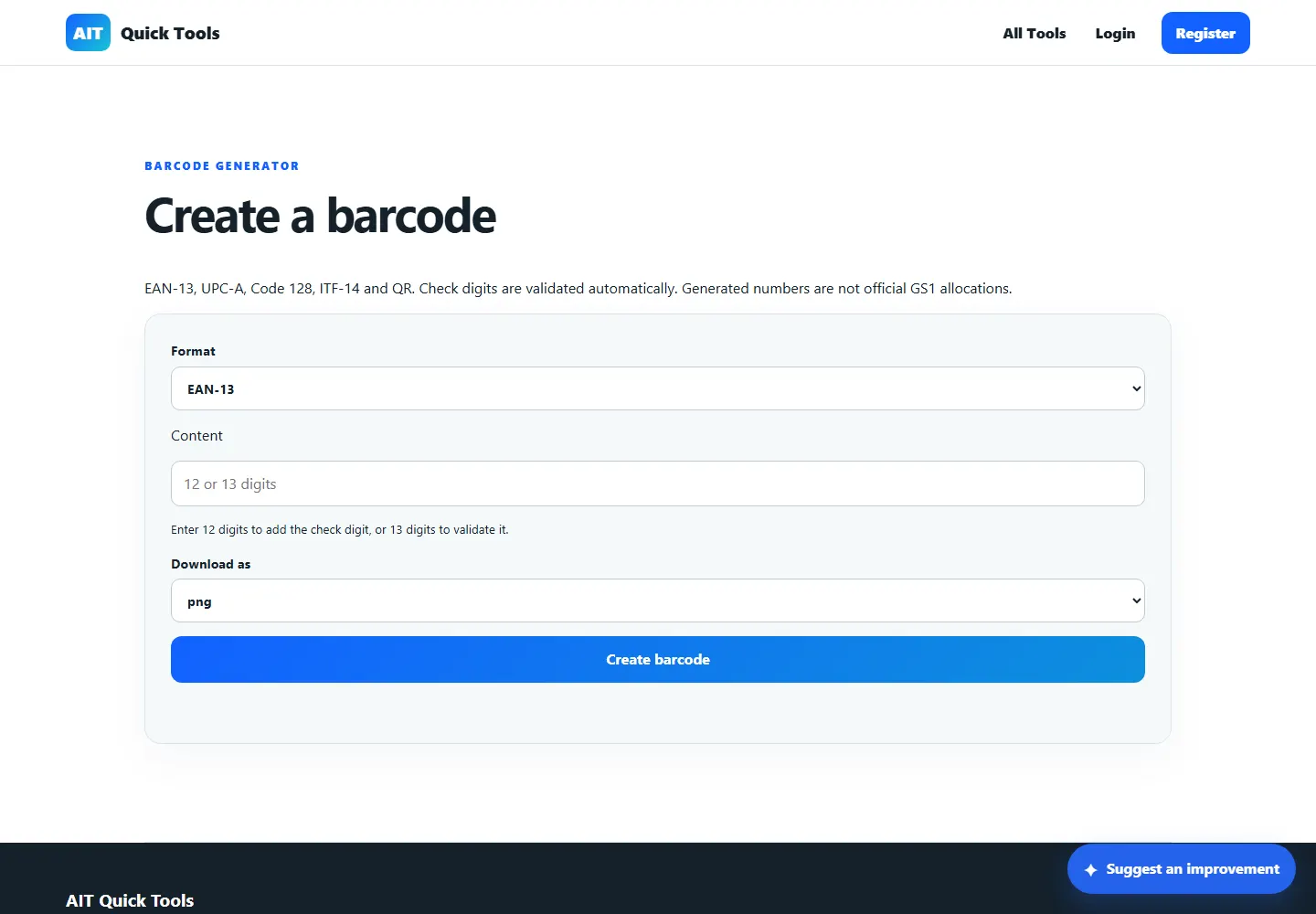
Enter the digits without the final digit to calculate it, or enter a complete number to check it. Keep any leading zeros.
This checks the final digit. Use identifiers already allocated to your organisation for production labels.
How it works
Enter a valid product identifier, select the barcode format and download the result in the format your label or document workflow needs.
Choose the barcode standard that matches the identifier and intended use.
Enter the number and resolve any length or check-digit warning.
Download the artwork, print it at a suitable size and test it with your scanner.
Practical uses
Open the tool, provide the information it needs and leave with a result you can understand or use straight away.
EAN-13, UPC-A, Code 128 and ITF-14
Automatic length and check-digit validation
PNG, SVG and PDF downloads
Use identifiers officially allocated to your organisation. A valid check digit does not prove ownership or allocation.
Questions answered
Clear information about what the tool does and where an extra check may be sensible.
No. It creates artwork and validates formatting. Official GTIN allocation comes from GS1 or another relevant issuing body.
SVG scales cleanly for design work, PNG suits common documents, and PDF is convenient for printing.
Yes. Printer settings, material, size and contrast can affect scanning even when the source artwork is valid.
Ready when you are
No installation. Open the tool in your browser and get started.